How I Compromised an Exposed RDP Lab (With Permission)

So this one was actually pretty fun.
My friend let me test his Windows Server home lab. Full written permission. The goal wasn’t to “hack him” — it was to see how quickly weak security could turn into full compromise.
Lab Workflow Overview
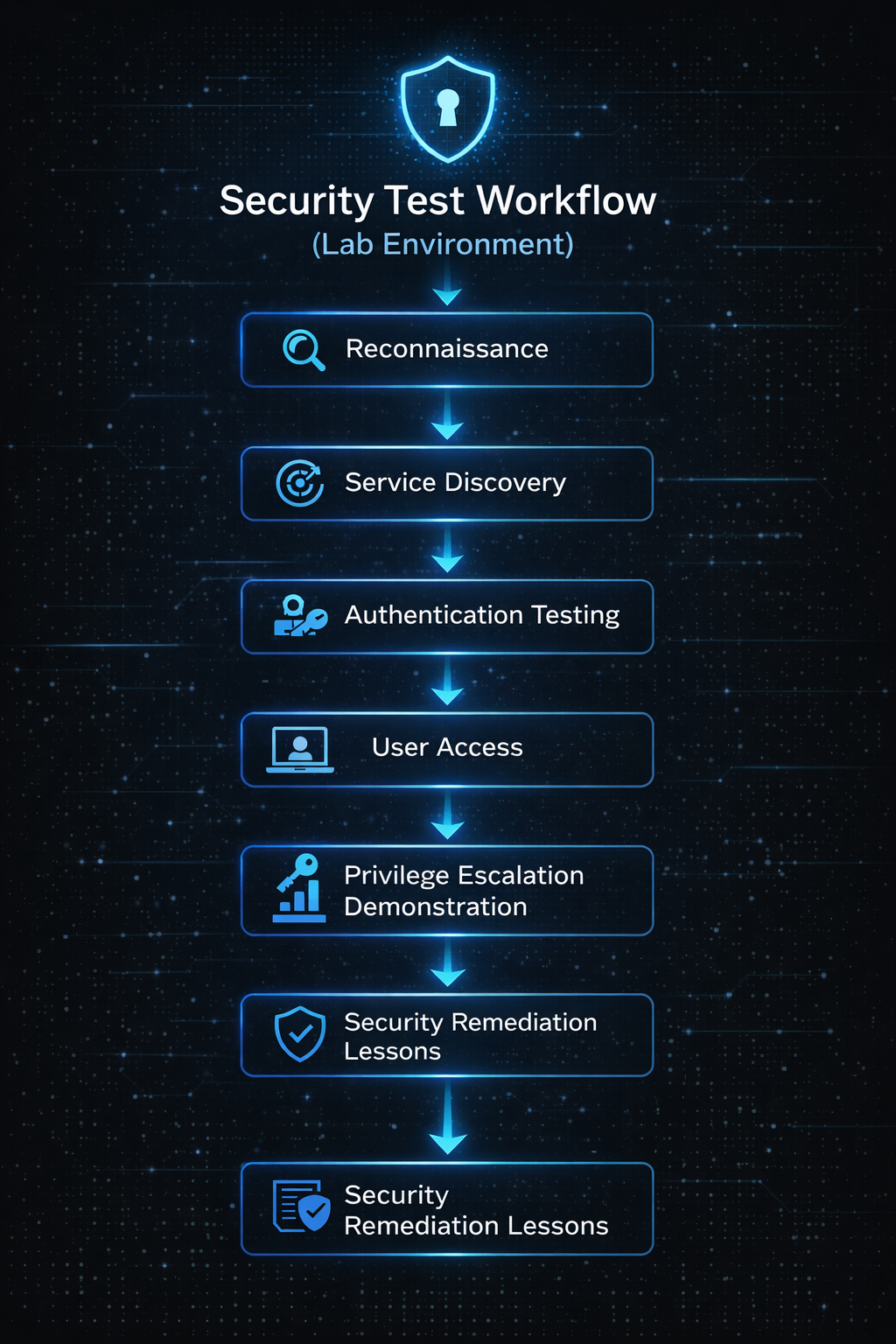
Step 1: Recon
First thing I did was scan the host to see what was exposed.
I ran a full TCP SYN scan across all ports to see what was listening. Pretty quickly I saw something interesting — RDP was exposed.
Port 3389 open.
That immediately tells you two things:
- Remote access is enabled
- If credentials are weak, it’s game over
RDP exposed to the network without extra protection (VPN, MFA, lockout policies) is risky.
Step 2: Testing Authentication Strength
Since this was a lab environment, I tested password strength using credential auditing tools against the RDP service.
After running through several common password lists, I was able to authenticate as a standard user.
At that point, I connected using a remote desktop client and was brought to the Windows login screen.
Logging in successfully was the moment it hit — this was a full remote shell into his system.
User-level access achieved.
Step 3: Privilege Escalation
Once inside, I started poking around.
It didn’t take long to find another account with elevated privileges.
Same process. Same test.
Weak credentials again.
After authenticating as the admin account, I had full control of the system.
It even kicked him off the machine when I logged in.
If this were a real attacker, they could have:
- Changed passwords
- Locked the owner out
- Installed persistence
- Deployed ransomware
- Exfiltrated data
And all of that started from one exposed service and weak credentials.
What This Lab Taught Us
This wasn’t about breaking in for fun. It was about proving a point.
Security basics matter.
- Don’t expose RDP directly to the internet
- Use strong passwords
- Enable account lockout policies
- Use MFA
- Put RDP behind a VPN
It took less time than you’d think.
Shoutout
Big shoutout to Tylor for letting me test against his homelab and trusting me with full access.
If you’re into homelabs and tech experiments, check out his blog:
https://tylor-romine.com